
Account directors simply refer to the directors of the institution’s corporate customers. A director is an official of a company who direct, control or manages the affairs of the Company. This feature of the Compliance planet provides and stores information pertaining to corporate account directors.
Account Directors Operations
There are seven operations under this feature and they are;
1. Bulk upload of new director information
2. Creation of a new director.
3. General list of all corporate account directors
4. List of approved director details
5. List of unapproved director
6. List of junk or deleted account director
7. Generating a director’s report.
To perform any of the Corporate Account Director operations,
NOTE: Only person(s) profiled as ‘Deputy Supreme Admin’ can carry out operations in this section
Click ‘CONTROL PANEL’ on the main dashboard as in fig 10.1a below
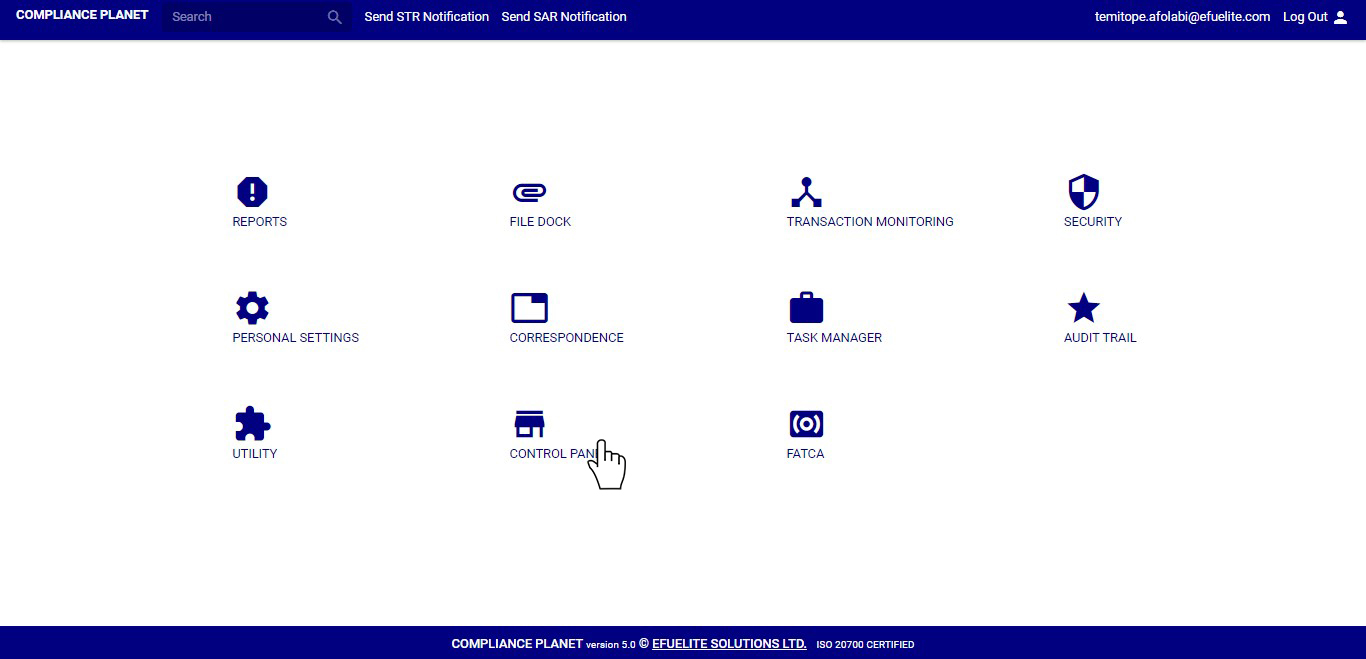
(fig. 10.1a)
➔ You will find the operations listed above on the left hand side menu as shown in figure 10.1b below. The different operations are explained in their respective sections.
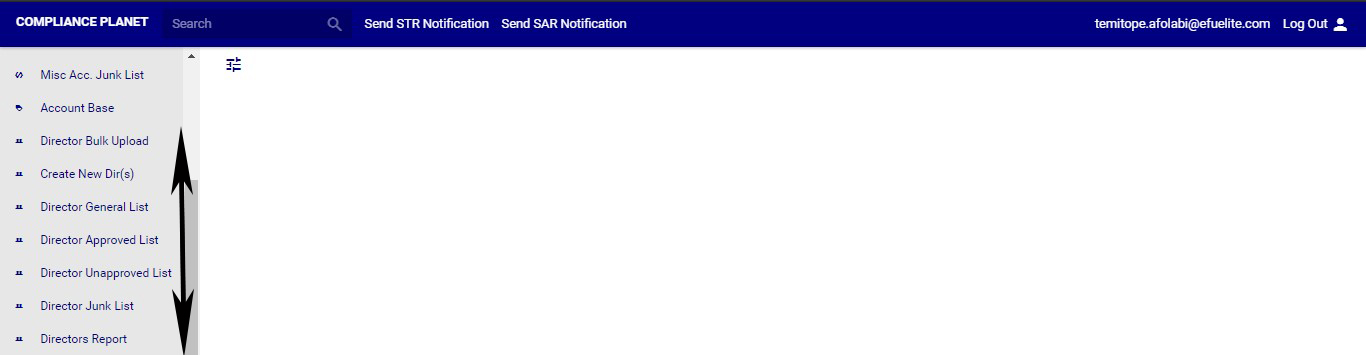
(fig. 10.1b)
