
The control panel is the data control and integrity panel of the compliance planet. The control panel houses features that provide information on all individual/corporate accounts, corporate account directors, branch codes, miscellaneous accounts, SWIFT schemes, Account schemes and their tier tags, customer sector tier, sub sector schemes, exempted accounts, capital importation certificates, report person, institution asset and so many more.
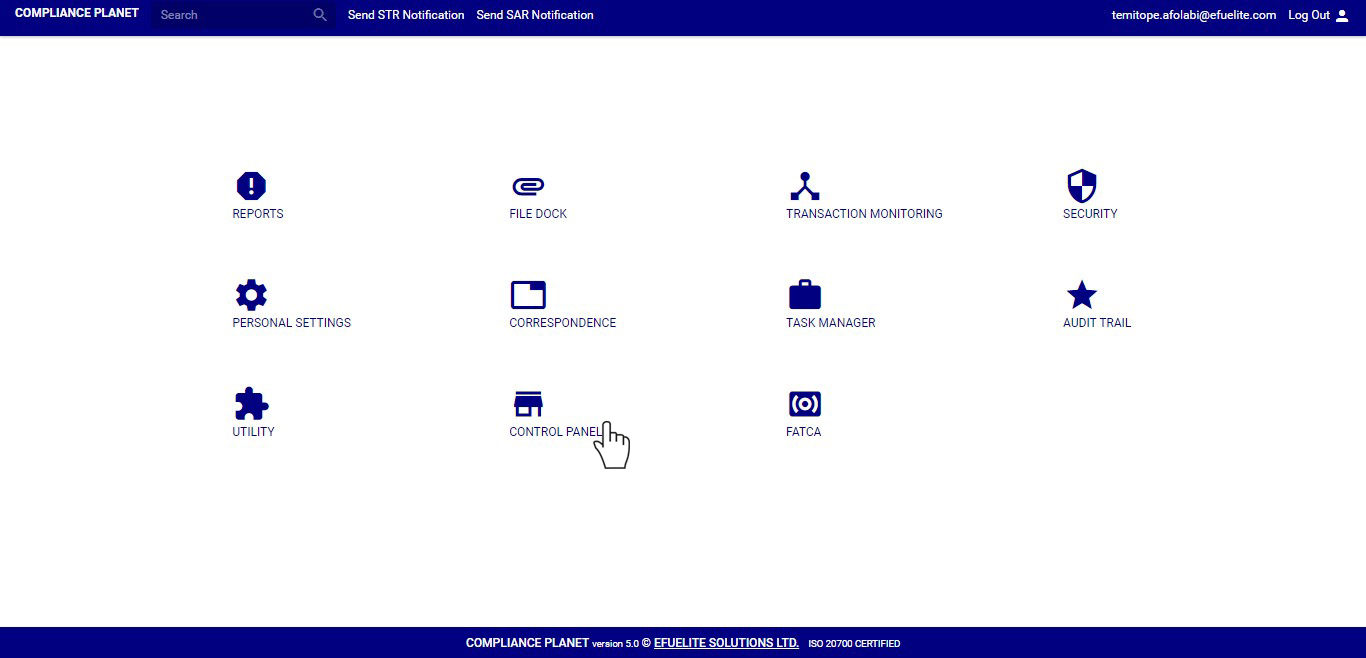
The Control panel section comprises of;
1. Miscellaneous Accounts Bulk upload (New)
2. Miscellaneous Accounts Bulk upload (Edited)
3. Create new miscellaneous account
4. Miscellaneous account list
5. Miscellaneous account junk list
6. Account base
7. Director bulk upload
8. Create new Directors
9. Director General list
10. Director approved list
11. Director unapproved list
12. Director Junk list
13. Directors Report
14. SWIFT Scheme
15. Account Scheme
16. Account Tier
17. Customer Sector Tier
18. Sub – Sector Scheme
19. Exempted Account
20. Exempted Account Scheme
21. Certificate Of Capital Importation
22. Branch Codes
23. STR Notification Transactions
24. STR Notification reasons
25. STR Notification Controls
26. SAR Notification Reasons
27. SAR Notification Controls
28. STR/SAR Notification Settings
29. Report Person Data View
30. Report Person Data Edit
31. Institution Asset Data View
32. Institution Asset Data Edit
33. Institution Settings
NOTE: Only person(s) profiled as ‘Deputy Supreme Admin’ can view and carry out operations on the compliance planet’s control Panel.
