
STEP 1: From the app dashboard, click “CUSTOMER RISK ASSESSMENT” as in the image below.

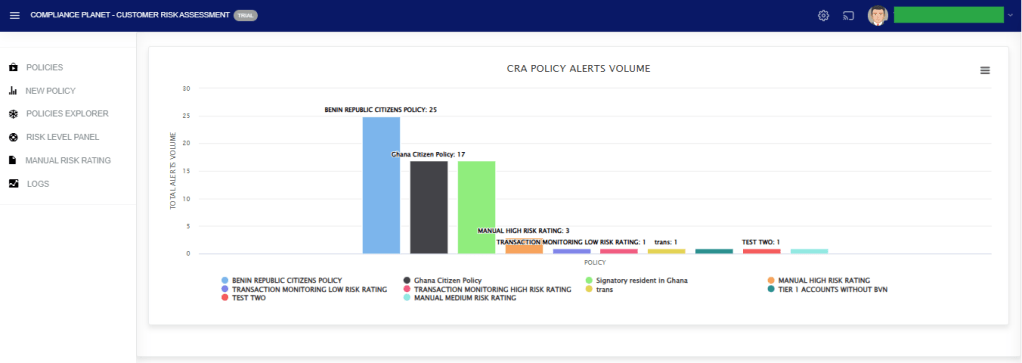
The above action will display a page as seen in the image below.
STEP 2: Click on “POLICIES EXPLORER” as in the image below.
This allows you to view the list of policies.
To export the records to Excel, click on the “Export To Excel” button.

For further enquiries:
Tel: +234(0) 816 555 9818
Email: solutions@efuelite.com
Web: http://solutions.efuelite.com
