
The Policy Alert Explorer helps to display alerts triggered by the various policies created on the system.
STEP 1: From the left-hand side menu, click “TRAN MONITORING” as in Fig 2a below, which then displays a drop-down.
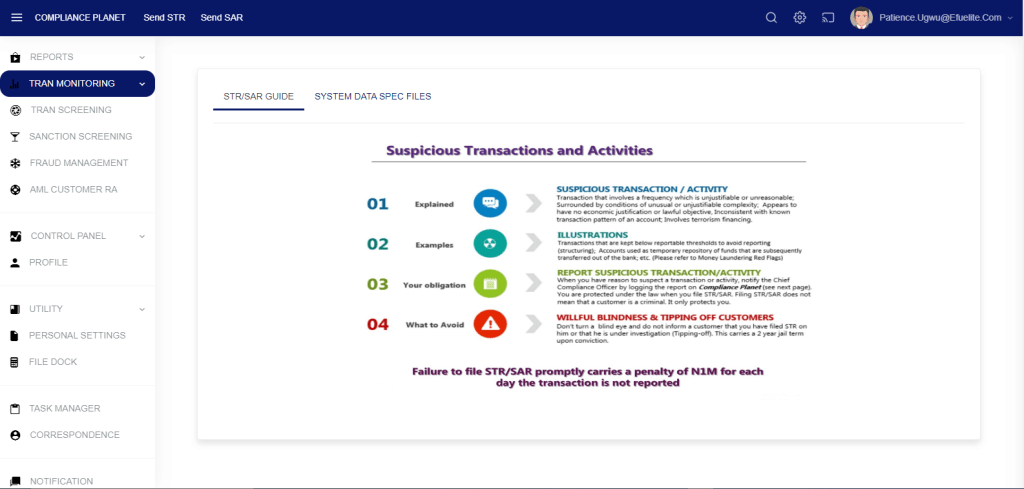
STEP 2: Click on “POLICIES ALERTS EXPLORER”
Entries: select the number of records you want to see from the policy.
Search: The user is to input a policy name to filter down and search for a specific policy.
- Enter a start and end date to view the result.
- Click on the “View” button to see the alerts.
- To further filter down the results, click on the “Threshold” drop-down and select the desired threshold. For example, if 3 is selected, only alerts for accounts that have been picked 3 times or above across policies will be displayed.
- To export the result to Excel, click on the “Export To Excel” button.

