
This downloads the data placeholder for a customer from the Compliance Planet Software.
From the app dashboard, click on “REGULATORY REPORTS” as shown below.
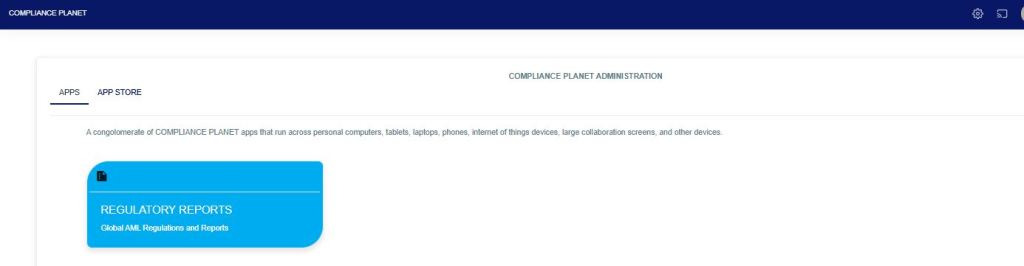
This will display a drop down as in image below. The dropdown lists the report types available on the compliance planet software.
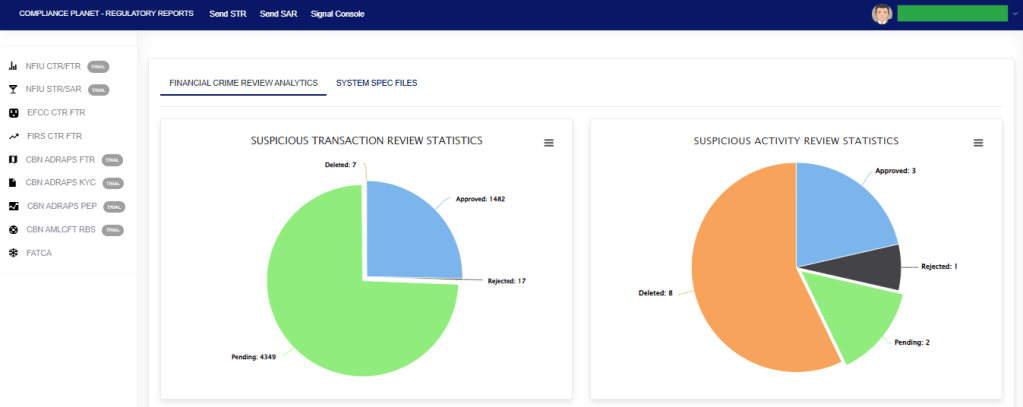
Click “NFIU STR/SAR” from the drop-down menu to open the NFIU STR/SAR page. See the image below.
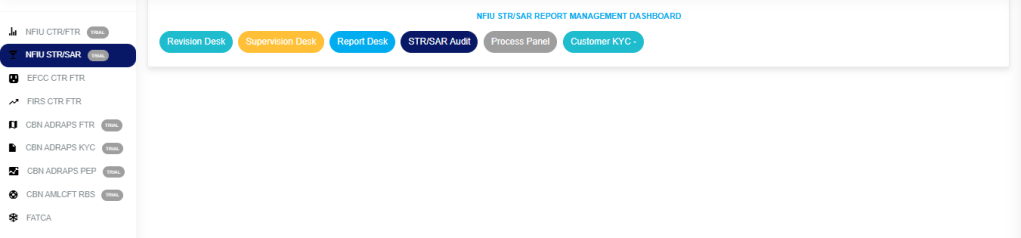
Click on “CUSTOMER KYC” which then displays a page as seen below.
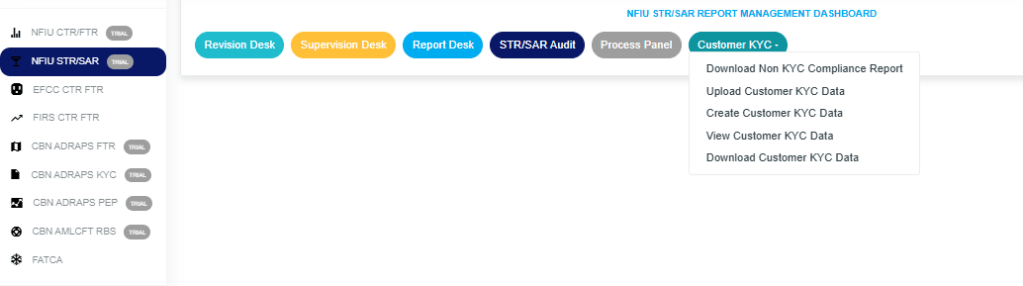
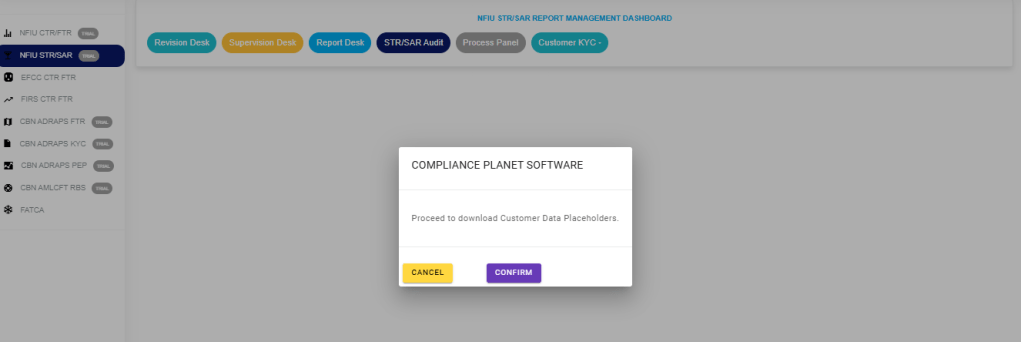
STEP 1: Click “DOWNLOAD CUSTOMER KYC DATA” in the dropdown options to display the confirmation console, then select “Confirm” to download as in the image below.
For further enquiries:
Tel: +234(0) 816 555 9818
Email: solutions@efuelite.com
Web: http://solutions.efuelite.com
