
This provides a downloaded report on customers with incomplete data (as defined by the NFIU) who have carried out reportable transactions.
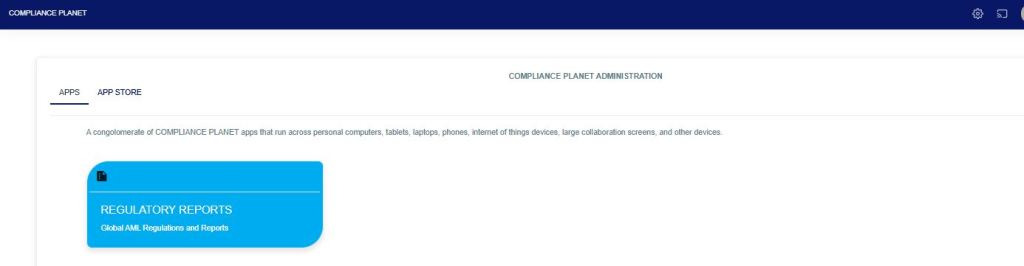
From the app dashboard, click on “REGULATORY REPORTS” as shown below
This will display a drop-down as in the image below. The dropdown lists the report types available on the Compliance Planet software.
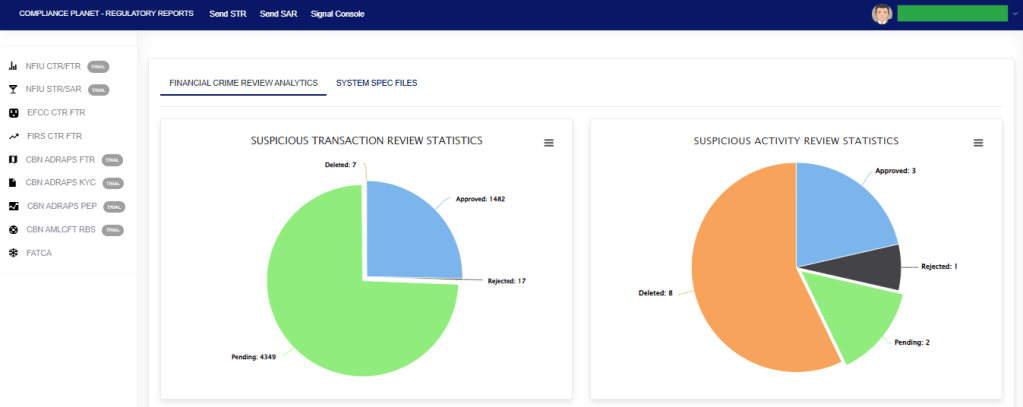
Click “NFIU STR/SAR” from the drop-down menu to open the NFIU STR/SAR page. See the image below.
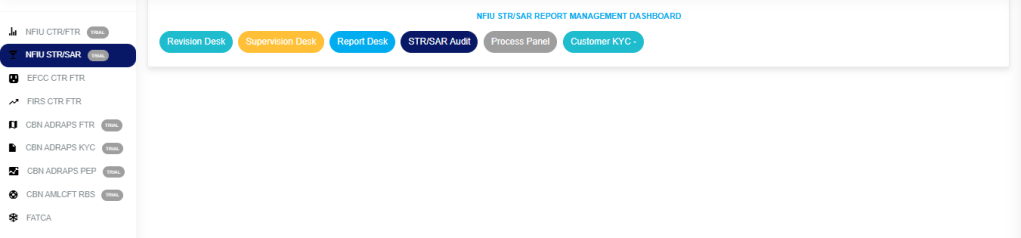
Click on “CUSTOMER KYC,” which then displays a page as seen in Fig. 3a below.
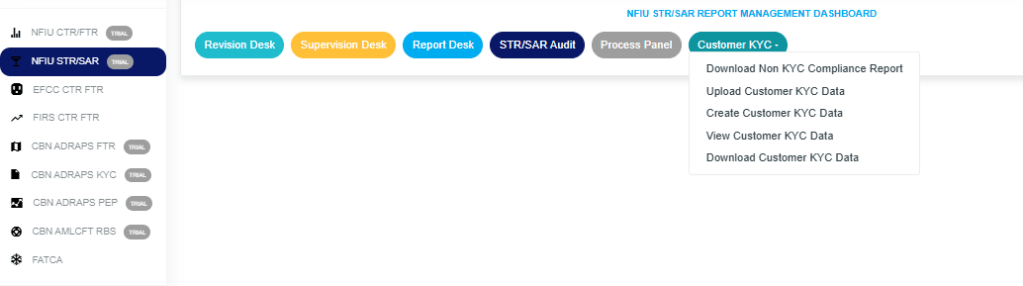
How to download the Non-KYC Compliance Report.
STEP 1: Click on “DOWNLOAD NON KYC COMPLIANCE PLANET” to display the NFIU STR/SAR CUSTOMER KYC/AML COMPLIANCE REPORT Page below.
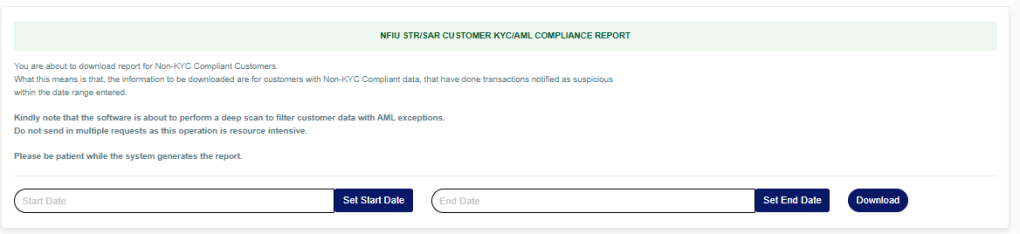
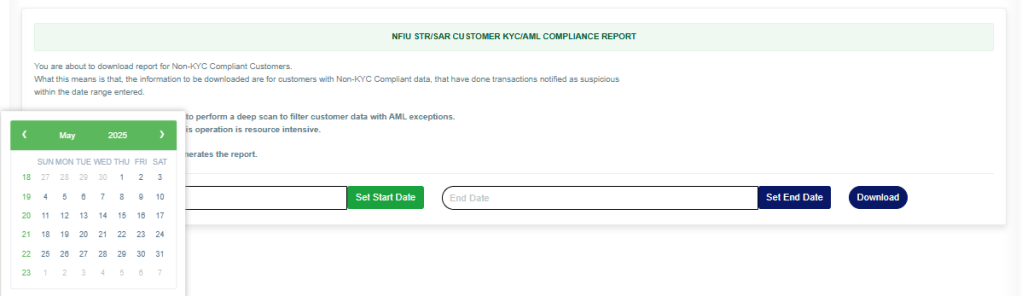
STEP 2: Enter the start and end date of the report you want to download, as shown in the images below.

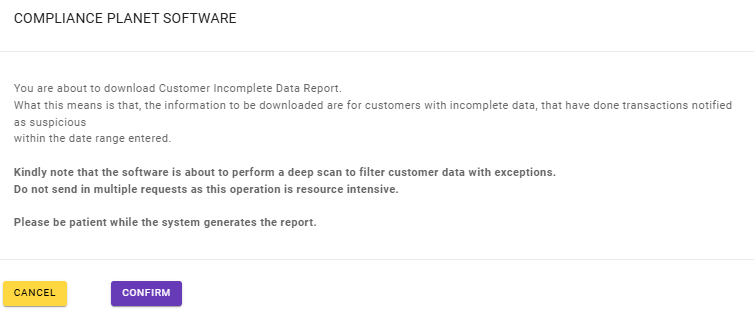
STEP 3: Click the “Download” button and then click “Confirm” to download the report, as shown below.
For further enquiries:
Tel: +234(0) 816 555 9818
Email: solutions@efuelite.com
Web: http://solutions.efuelite.com
