
This section provides a guide on how to perform fraud case manager operations on the Compliance Planet Anti-Money Laundering/Core Banking Finance Software, complete with step-by-step instructions and illustrations.
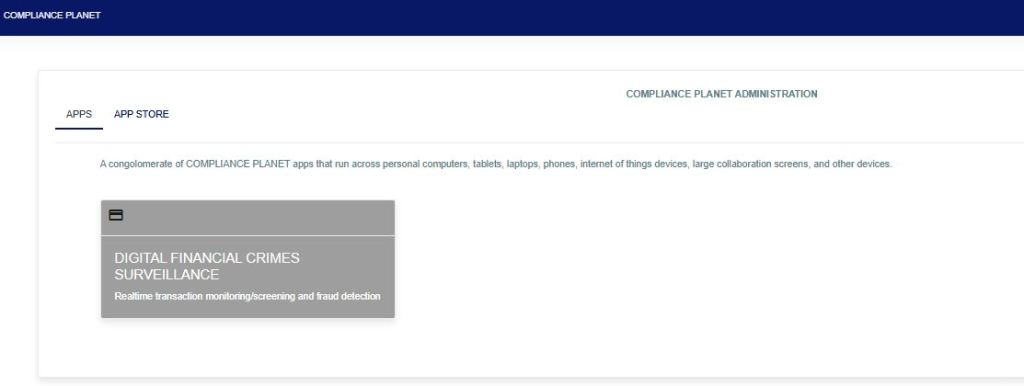
STEP 1: From the app dashboard, click “DIGITAL FINANCIAL CRIMES SURVEILLANCE” as shown below.
STEP 2: From the left-hand side menu, click on “Fraud Case Manager” as shown below.
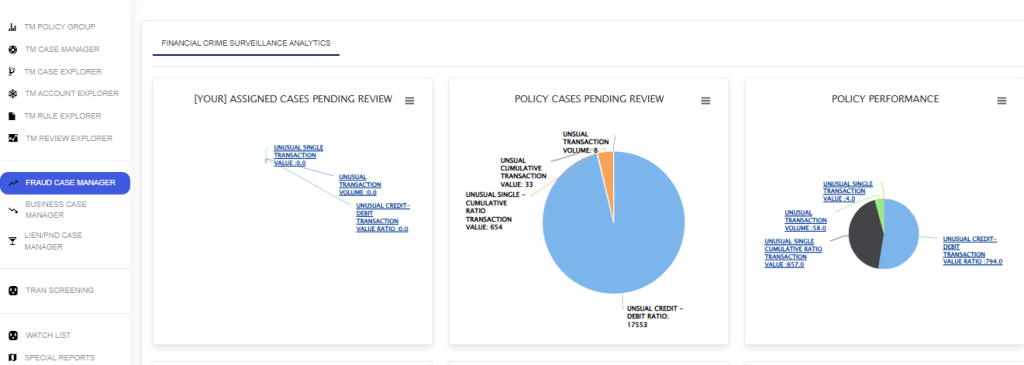
The action above will display the drop-down below.
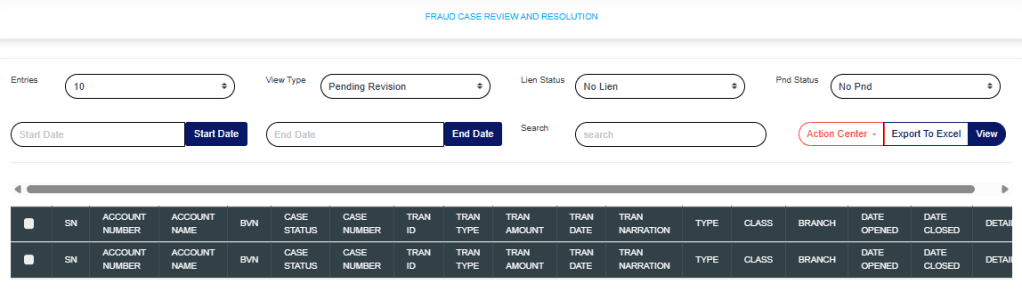
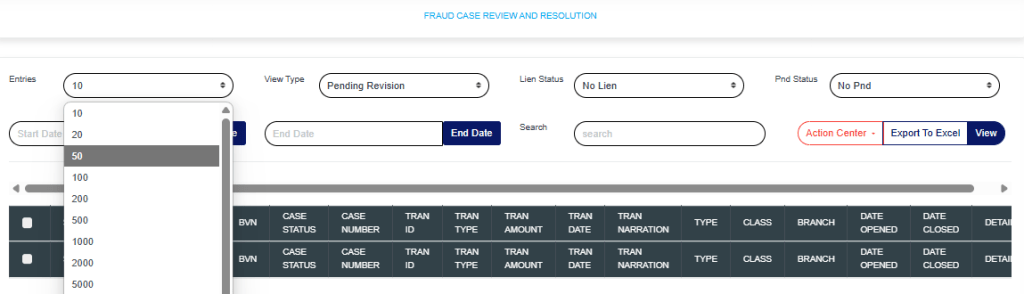
Entries: Click on the “Entries” drop-down to choose how many case entries you want displayed per page.
View Type: Click on the “View Type” drop-down to filter and select either Pending Revision, Revised, Pending Supervision, or Supervised.

Lien Status: Click on the “Lien” drop-down to filter and select either active or inactive lien.

PND Status: Click on the “PND” drop-down to filter and select either active or inactive PND.
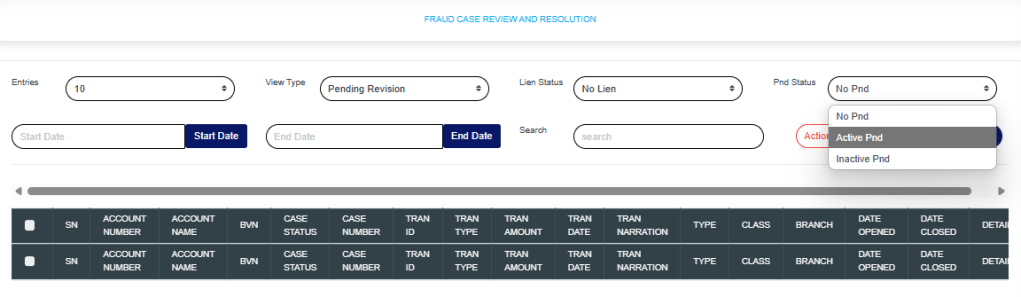
Start Date & End Date: Use the “Start Date” and “End Date” fields to filter cases based on a selected time range.
Search: Click on the “Search” box and enter keywords to quickly find specific cases.
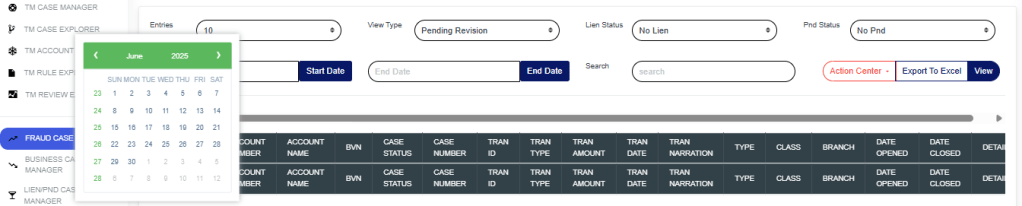
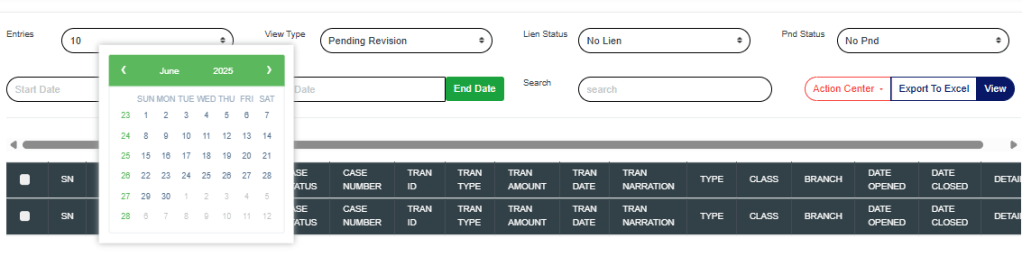
Export to Excel: Click on “Export to Excel” to download cases in Excel format.
View: Click on “View” to view cases.
Action Center: Click on the “Action Center” drop-down to perform quick actions on Lien Selected transactions, Place Selected Accounts on PND, or Review Selected Accounts.

Lien Selected transactions: Click on “Lien Selected Transactions” to place a hold on the selected transactions.
Place Selected Accounts on PND: Click on “Place Selected Accounts on PND” to restrict all debit transactions from the selected accounts.
Review Selected Accounts: Click on “Review Selected Accounts” to flag the selected accounts for further review.
These actions will redirect you to the review portal, where you’ll be required to enter a review note explaining the reason for the selected action.
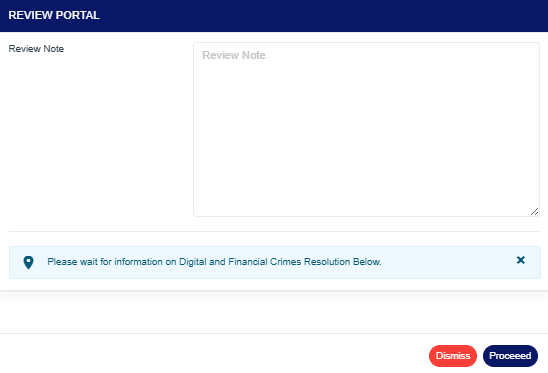
Click on “Proceed” to continue the process.
Click on “Dismiss” to stop the process.
Clicking Proceed takes you to the confirmation console.
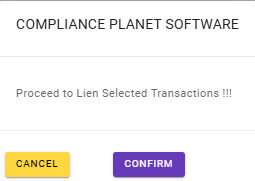
Click on “Confirm” to save the process.
For further enquiries:
Tel: +234(0) 816 555 9818
Email: solutions@efuelite.com
Web: http://solutions.efuelite.com
