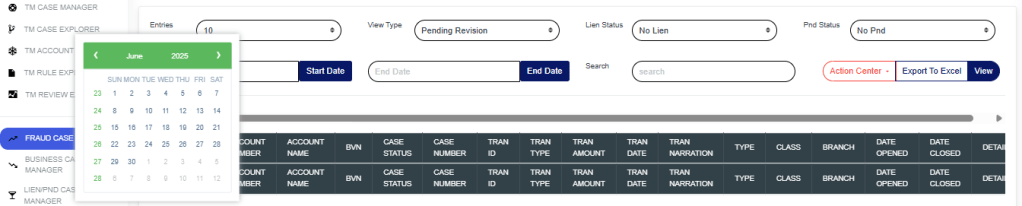
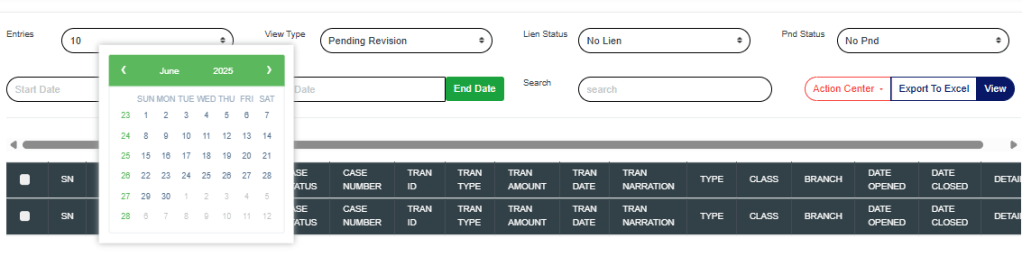
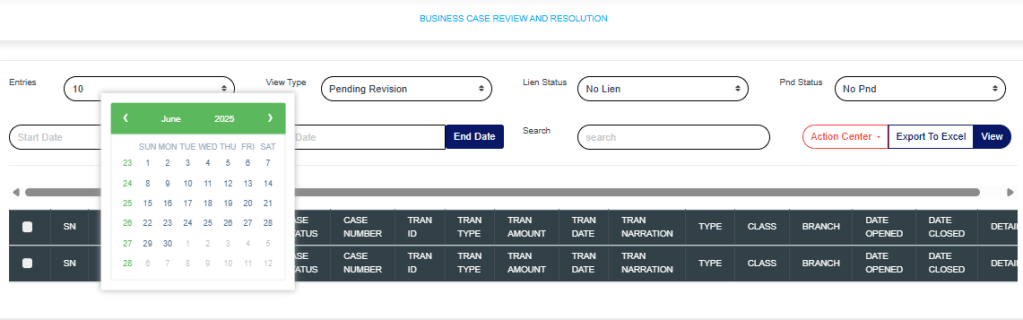
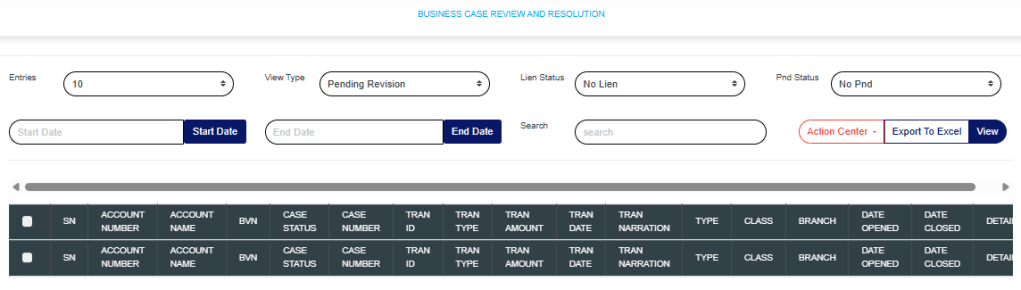
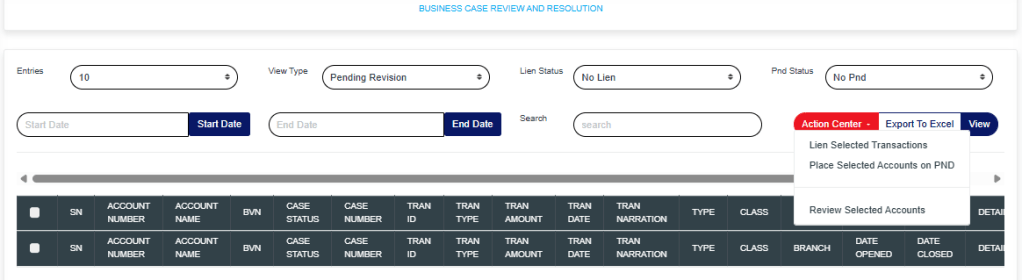
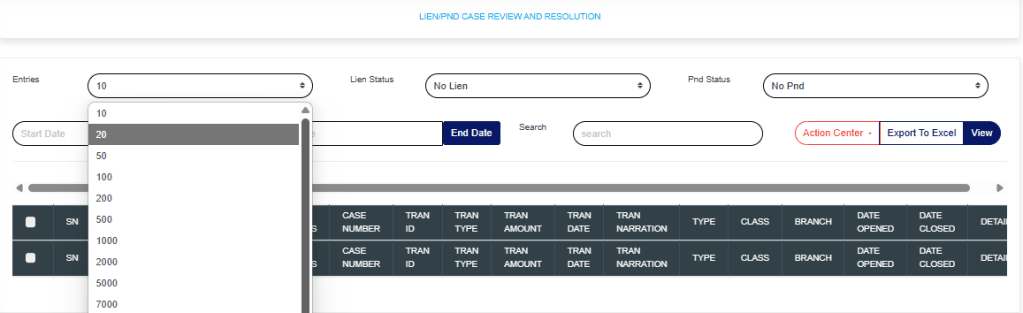
This section provides a guide on how to carry out TM Rule Explorer in the Compliance Planet Anti Money Laundering/Core Banking Finance Software, with step-by-step instructions and pictures.
STEP 1: From the app dashboard, click “DIGITAL FINANCIAL CRIMES SURVEILLANCE” as in Fig a below.
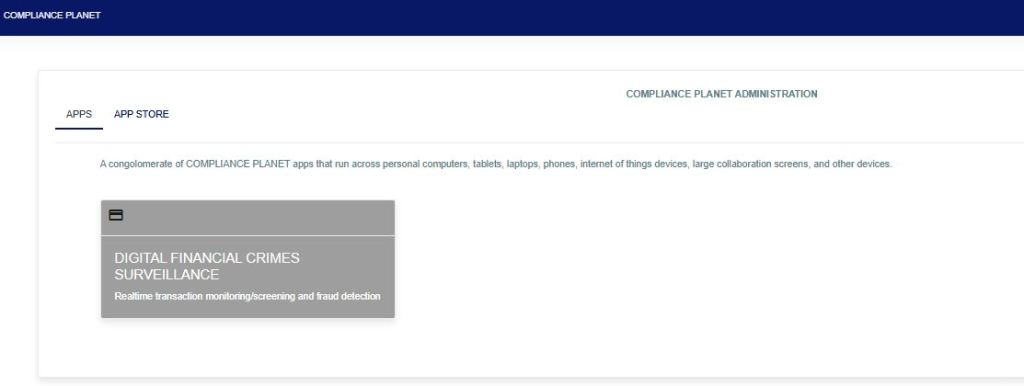
FIG a
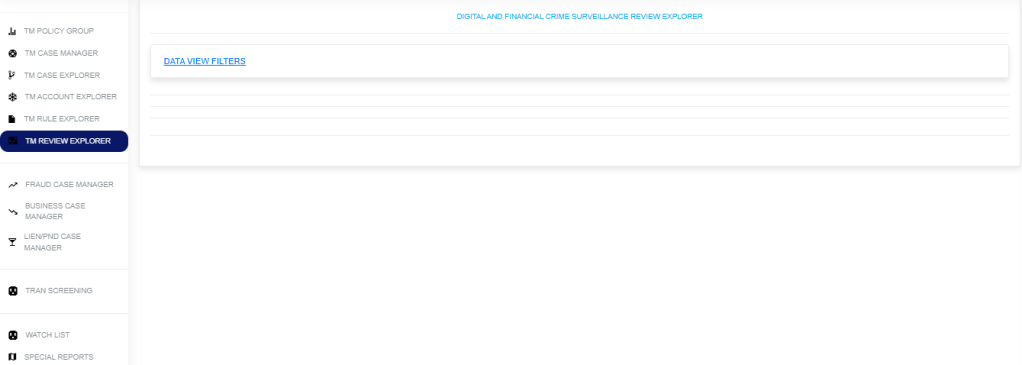
STEP 2: From the left-hand side menu, click “TM Rule Explorer” as in Fig. b below.
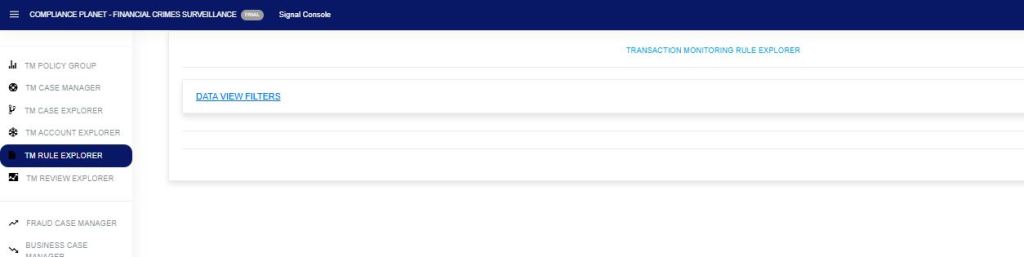
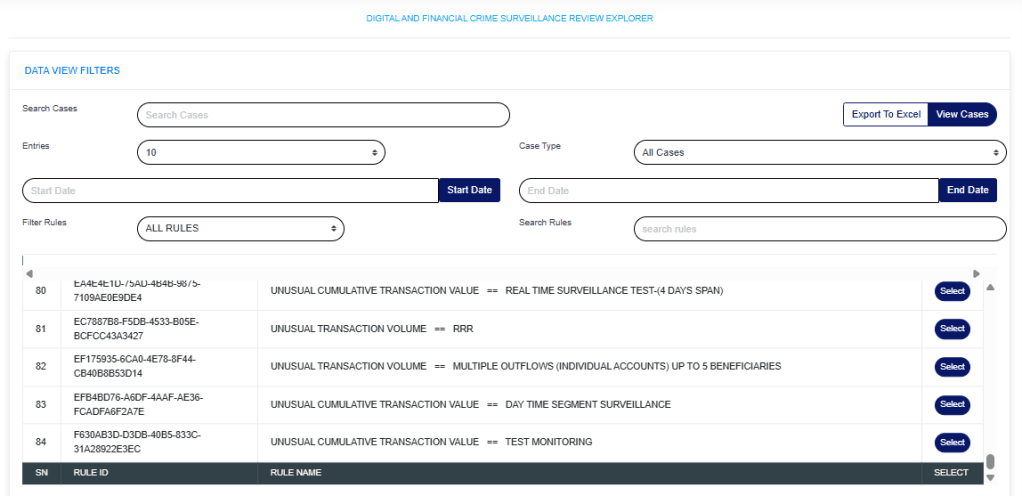
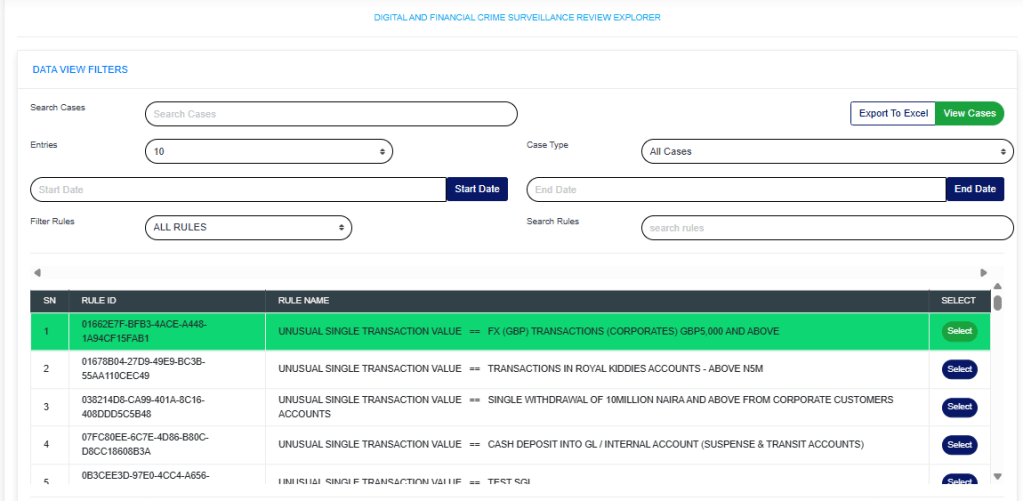
STEP 3: Click on the “Data View Filter” as in Fig. c below to open the sub-menu: Entries, Search, View (Export to Excel), Start Date, and End Date.

STEP 4: In the search bar, enter either the Rule ID, Rule Name, or Rule Description. Enter the Start Date and End Date, then click View as in Fig. d below. This will display the details of the rule.
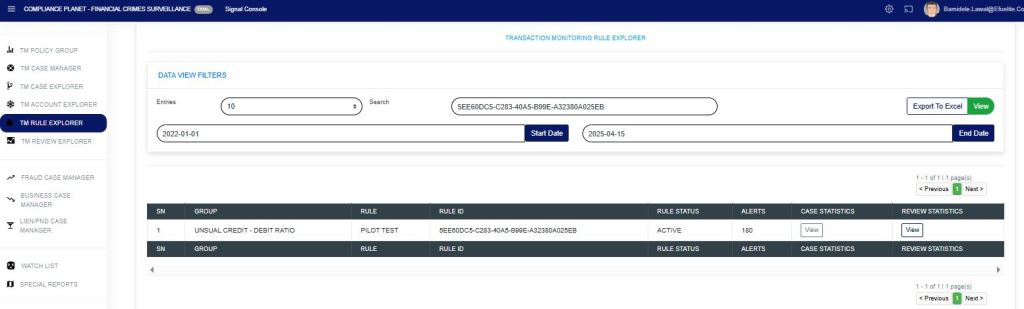
The “Alert” column shows the number of alerts picked within the specified date range for that rule.
Click the “view” option under the case statistics column to show a visualization of the “case statistics“. All the cases pending TM review (shows the number of cases that are pending), closed cases (shows the number of cases that have been closed), fraud cases under review (shows the number of cases for fraud review), business cases under review (shows the number of cases for business review), and ML/TF/PF cases under review (shows the number of cases for STR review) within the date range specified as in Fig e below.
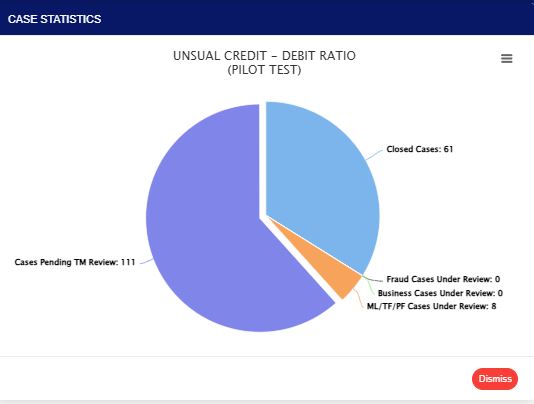
FIG e
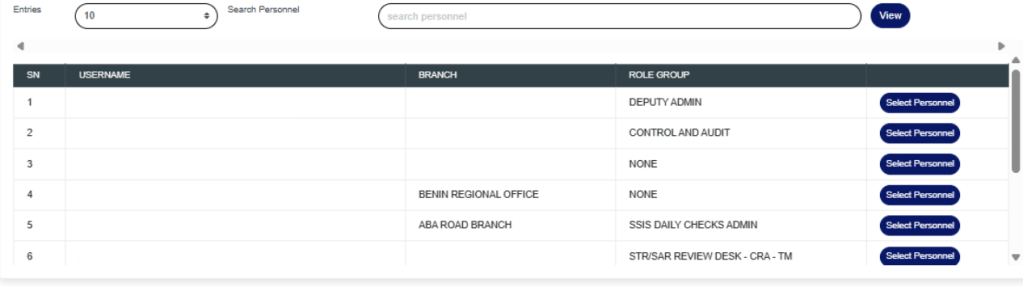
Click the “view” option under the review statistics column to show a visualization of the “review statistics“. This will display the policy rule name and personnel who have reviewed cases from the rule, as shown in Fig. f below.
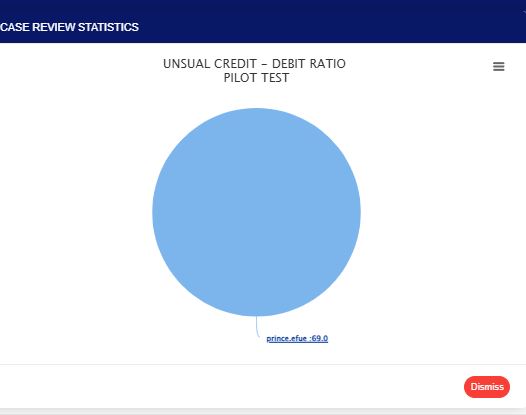
FIG f
Clicking on the visualization chart will display detailed information on the rule within the specified period that has been reviewed, along with the person(s) who reviewed the case(s). This also gives a deeper insight into how the reviewing personnel handled the review case. The ones manually closed by the reviewer, those auto-processed by the system and pushed to Fraud and STR, those whitelisted, and those under different review desks, as shown in Fig. g below.
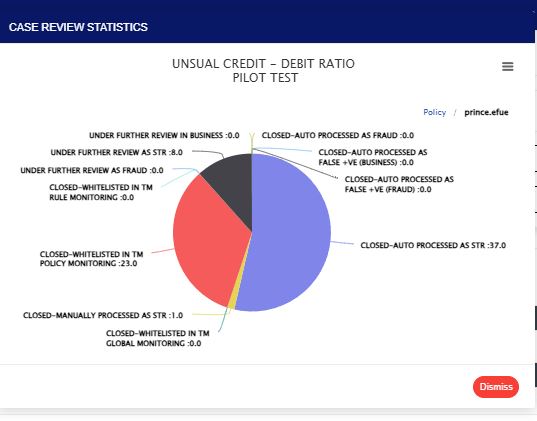
FIG g
For further inquiries:
Tel: +234(0) 816 555 9818
Email: solutions@efuelite.com
Web: http://solutions.efuelite.com