
STEP 1: From the left-hand side menu, click on “FRAUD MANAGEMENT” as shown in the fig below;
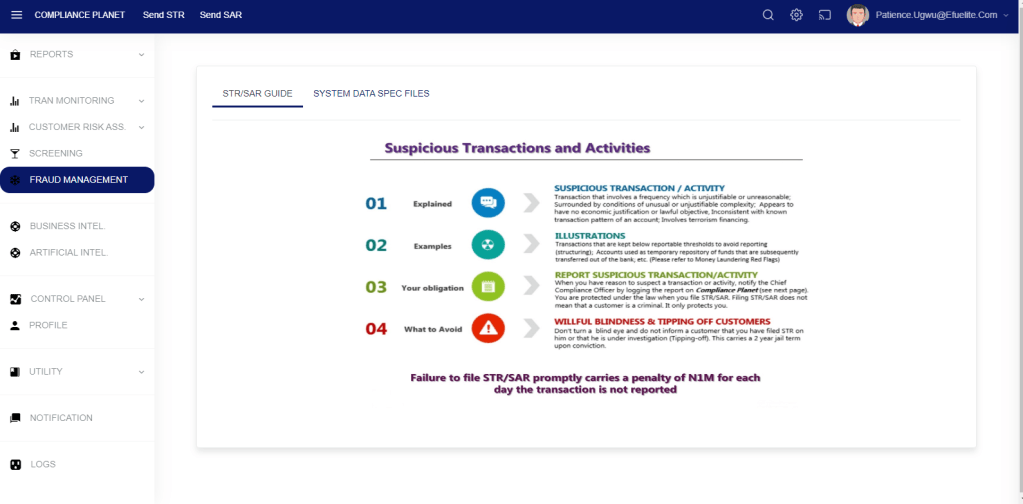
After clicking on “FRAUD MANAGEMENT,” it displays the various categories as shown in the figure below.

Customer-Account-Bvn Audit Report: This section allows users to see audit reports on customer Bvn/account
Customer Transaction-Audit Report: This allows users to focus on the transaction-related audit report
To view the audit report on any of the categories above, click on that category button. Clicking on the category button will display the image below.
Enter your start and end date. This is the report date range.
Click on the audit sector drop-down to select a sector
Click on the view button to see the result.

Entries: This is a dropdown to select the number of records to display.
Search: This allows you to search the audit record for a specific account using the account number.
Audit Sector: This dropdown lets you view audit reports by audit sector.
The Start date and End date allow you to specify the date range to review.
Export to Excel: This allows you to export the records to Excel.
For further enquiries :
Tel +234(0) 816 555 9818
Email solutions@efuelite.com
Web https://solutions.efuelite.com
